I usually work on a novel as a single document on Word and keep all my chapter/scene/etc. notes separate and hand-written in my novel notebook, so this approach of doing both at the same time on the same screen definitely appealed to me. I downloaded the program and installed it today (very quick and no problems there.) When you open CbC you'll first get this little side screen on your desktop:

(Click here to see larger version)
When you open a new book you're prompted for a title, byline, and which file format (doc, rtf, docx etc.) that you want to use. Once you've input that, you can begin adding chapters by right-clicking on the appropriate act, which automatically opens up a new Word file and companion screen:
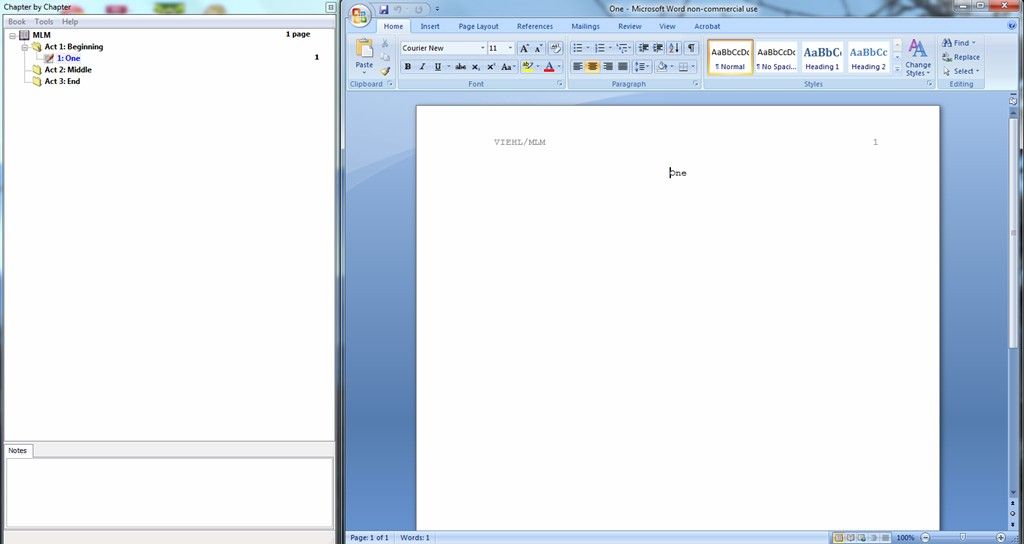
(Click here to see larger version)
I like the convenience of being able to make notes while I'm writing a chapter, which the program allows in a small box at the bottom of the side screen:
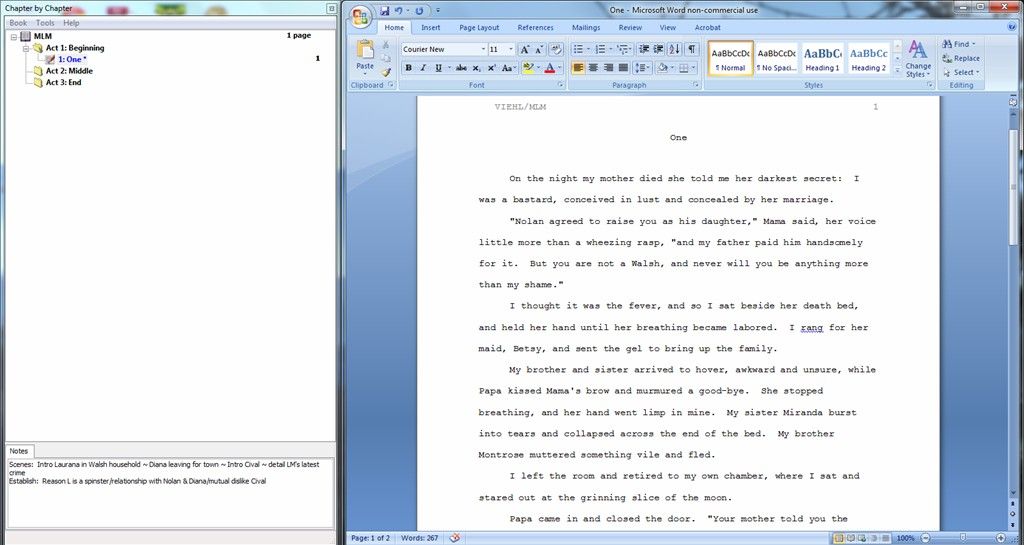
(Click here to see larger version)
When you save your files, the document is segregated to the CbC program file, but you can dupe it elsewhere easily with a different Save As file name. This is as far as I've gotten with using the CbC program, but I'm going to give it a genuine test drive by writing an entire story using only the program for what I usually do in Word and with my hand-written notes. If it proves to be as helpful as I think it will, I'll report back on what happens and how I think you can use it for your Word story projects.


